Folding Box
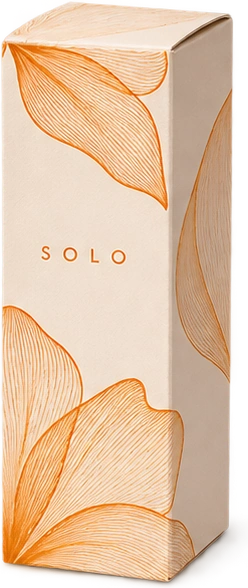
A lightweight printed carton for the shelf, the counter or a little cake on its way home.
Explore Folding BoxesDesign a Folding Box in 3D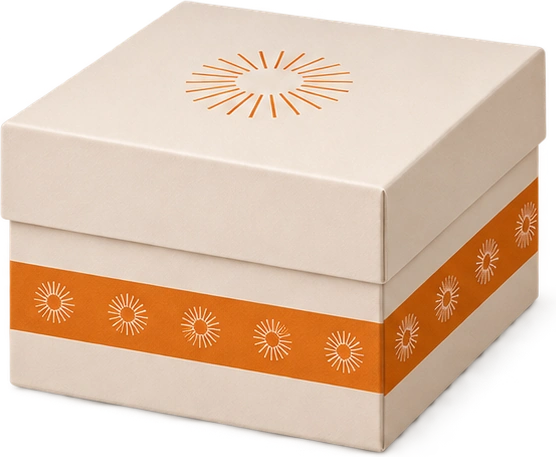
Designed by you, folded around your product. Choose a box, add your artwork and preview it in 3D.
Customize your boxA lightweight printed carton for the shelf, the counter or a little cake on its way home.
Explore Folding BoxesDesign a Folding Box in 3DA wrapped two-piece presentation box with a lift-off lid and a deep, steady base.
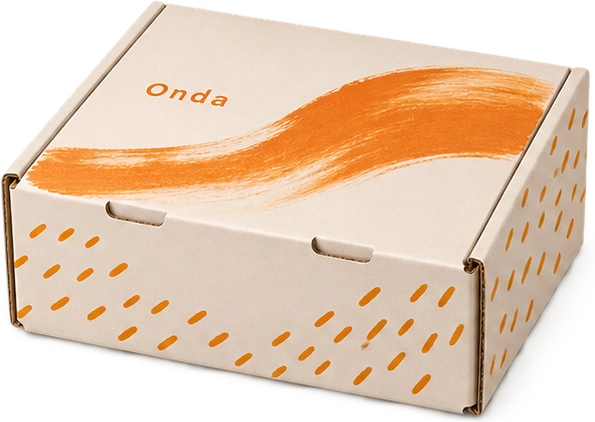
Explore Rigid BoxesDesign a Rigid Box in 3DA single-piece corrugated mailer that folds around the product and opens like a small stage.
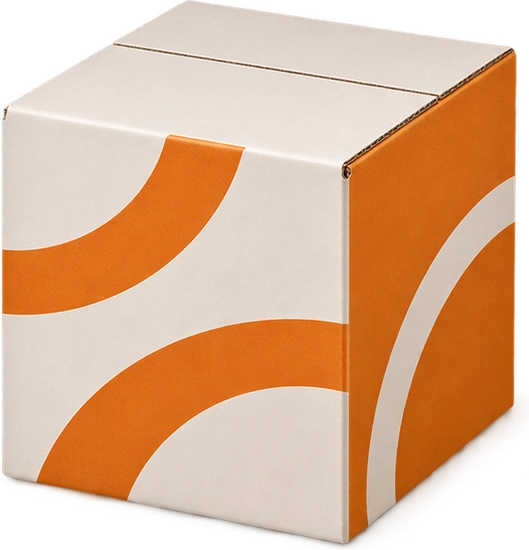
Explore Mailer BoxesDesign a Mailer Box in 3DA classic four-flap shipper with a generous printable surface and room for protective packing.
Explore Shipping BoxesDesign a Shipping Box in 3DFrom the first fold to a print-ready inquiry.
 1
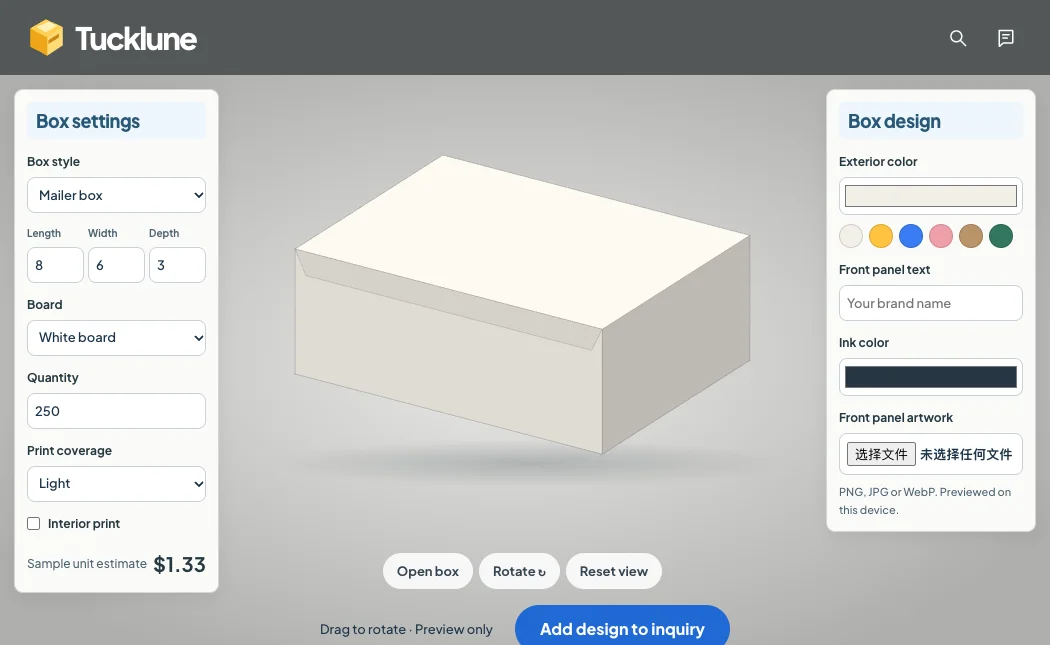
Start with the product inside. Choose a mailer, a shipping case, a folding carton or a lift-off gift box. Set the inside dimensions, then rotate the preview to check the proportions.
Choose a box style →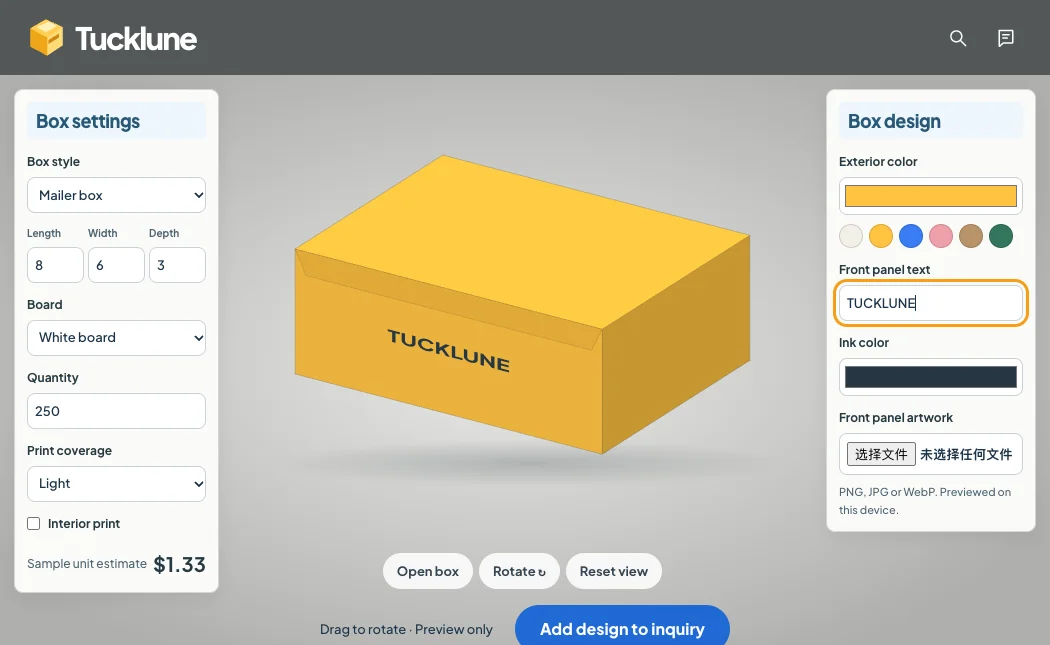 2
Give your box a base color and add your own artwork. Preview the front panel and rotate the box to check how your design looks on the finished piece.
Try the box designer →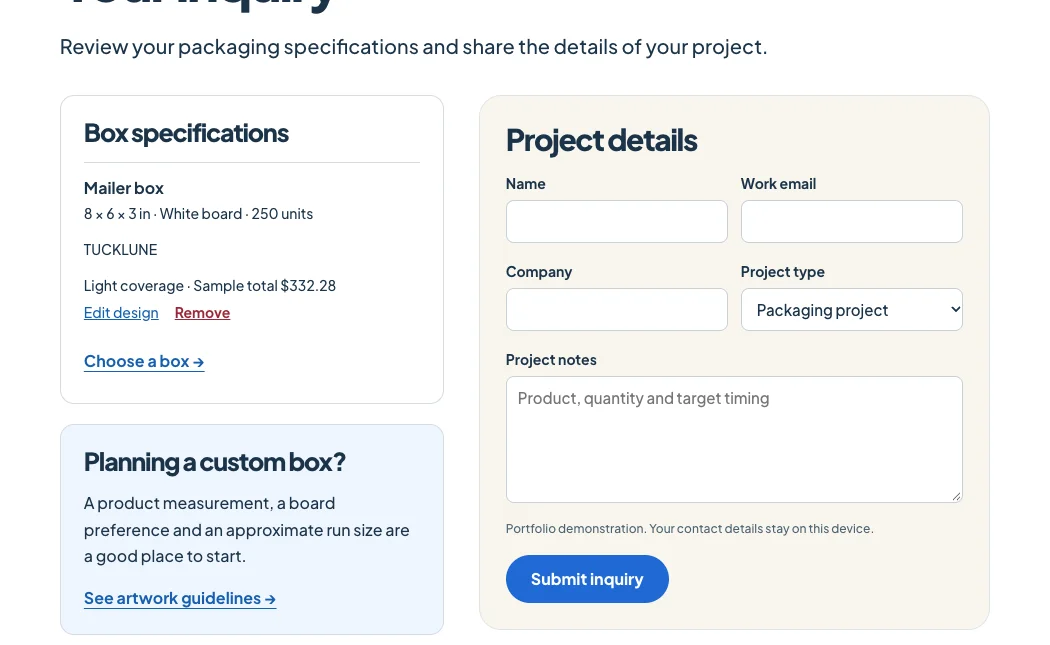 3
Save the artwork, board choice, dimensions and quantity together. Add another design to compare specifications or open the inquiry page to finish your project brief.
View your inquiry →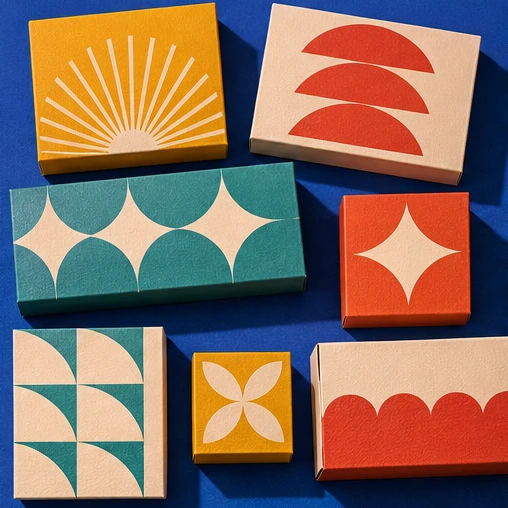
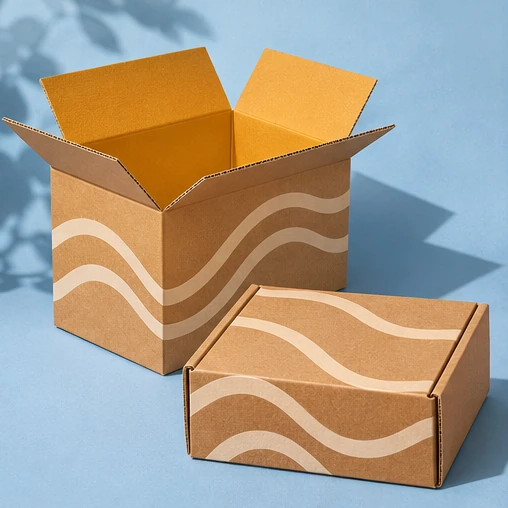
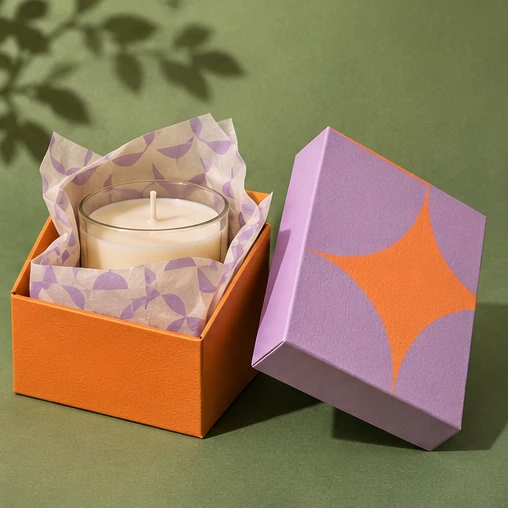
A tuck-top for a cake, a hinged mailer for a welcome kit, or a lift-off lid for a gift. Choose the opening that makes sense for the product inside.
Explore box formats →Good answers for your next print run.
Start with the journey. Folding cartons suit shelves and counters. Mailers open in one piece, shippers have four flaps, and rigid boxes make a two-piece presentation.
Measure the widest length, width and height of the packed product, including its insert. The dimensions in the studio describe the inside of the box.
The unprinted surface has a brown base. Pale artwork and fine colored details can appear different on kraft than on a white liner.
Use the Open control in the studio to inspect the lid or flaps. The closure changes with the selected structure.
Change the run size on a box page. Both the unit estimate and the total update so you can compare the effect of setup across a run.
Yes. Add a specification from a box page or the studio, then add another style before opening the inquiry list.
Artwork is previewed within the current browser session. Uploaded image files are not sent to a server.
Use the cake board and any insert when measuring the product. Include space above the decoration and confirm food-contact requirements with the packaging supplier.
The studio places a line of text and an optional image on the front of the box. Rotate the view to check its position beside the other panels.
Keep small text away from cuts and creases. Continue backgrounds across the trim line and confirm the actual bleed and safety margins on the production dieline.
The sample calculation combines board area, material, print coverage, quantity and setup. It illustrates how a packaging quote is organized.
It is a visual design study. A production team would still need to confirm print-ready files, tolerances, materials and a physical or digital proof.
This is a portfolio demonstration. The form displays a confirmation in your browser; it does not contact a supplier or take payment.
Three original packaging studies from the studio.
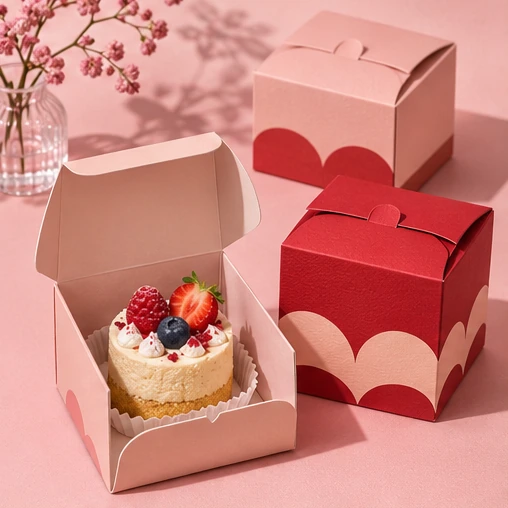
A lightweight printed carton for the shelf, the counter or a little cake on its way home.
View the box →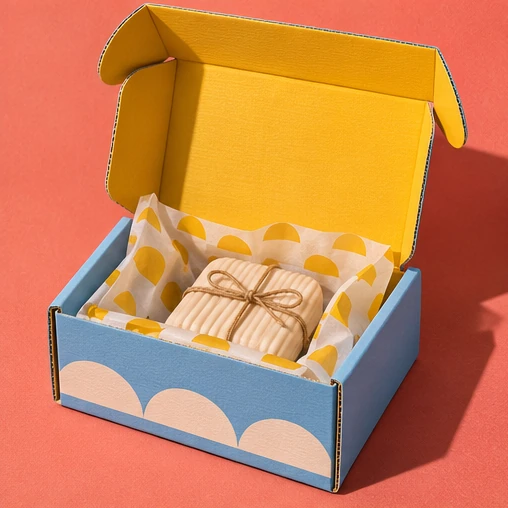
A single-piece corrugated mailer that folds around the product and opens like a small stage.
View the box →A wrapped two-piece presentation box with a lift-off lid and a deep, steady base.
View the box →From the first crease to the final print, every panel helps tell your story.
About the studio